

How to Inspect Skins in CS2: Float, Patterns, Stickers
OCTOBER 18, 2026
#guide 8 min read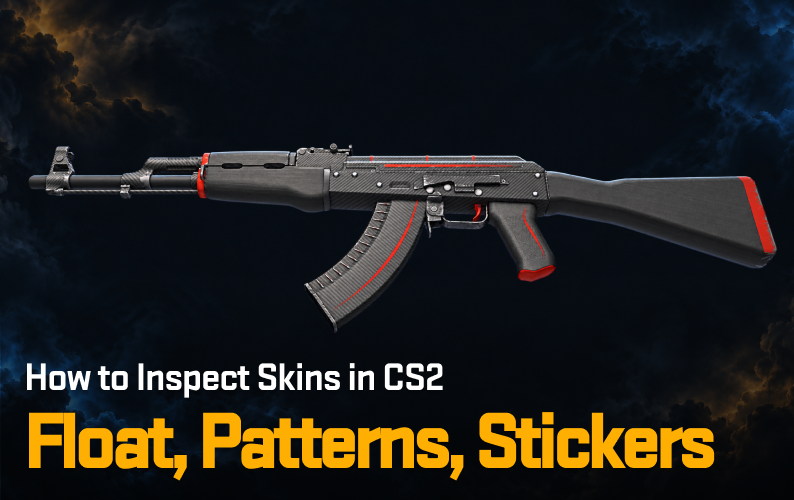

To inspect a skin in CS2, click Inspect in game on a marketplace listing or on an item in your inventory, then check the float value, pattern seed, wear zones and sticker scrapes in the preview. These details set a skin's real price, so a few minutes of inspection can stop you overpaying or missing a rare pattern.
Buying on a marketplace thumbnail alone hides the details that decide a skin's price: where the wear sits, which pattern seed it carries and how its stickers are placed. Looking at the exact item, in-game or in a 3D viewer, stops you overpaying for a Field-Tested skin that looks Well-Worn, or passing over a rare pattern priced like an ordinary one.
Inspecting a skin also shows how it will look and feel when you play with it, and it exposes any flaws before you click the purchase button.
How to Inspect Skins In-Game in CS2
Most platforms, including the official Steam Community Market and third-party trading sites, put an "Inspect in game" button on the listing page. Clicking it uses the Steam client to open Counter-Strike 2 and load the exact item, with its specific wear and pattern, in the inspect screen.
Open the listing or your inventory. Pick the exact copy you plan to buy, not just the skin name, because two copies of the same skin can look very different.
Click "Inspect in game". Keep Steam running with CS2 installed, and the item loads in the client instead of as a compressed marketplace image.
Rotate the skin through 360 degrees. Check how light catches the finish, including Doppler phases and the sheen on Printstream.
Check the play side first. The side facing you during normal gameplay holds most of the value. A scratched backside rarely changes the price if the play side is clean.
Can't launch CS2 right now? Item pages on Skinscanner, such as AK-47 | Redline, have an Inspect Item section with a 3D view. Move the wear and seed sliders and switch between orbit and first-person views to preview how a skin looks at a given float and pattern.
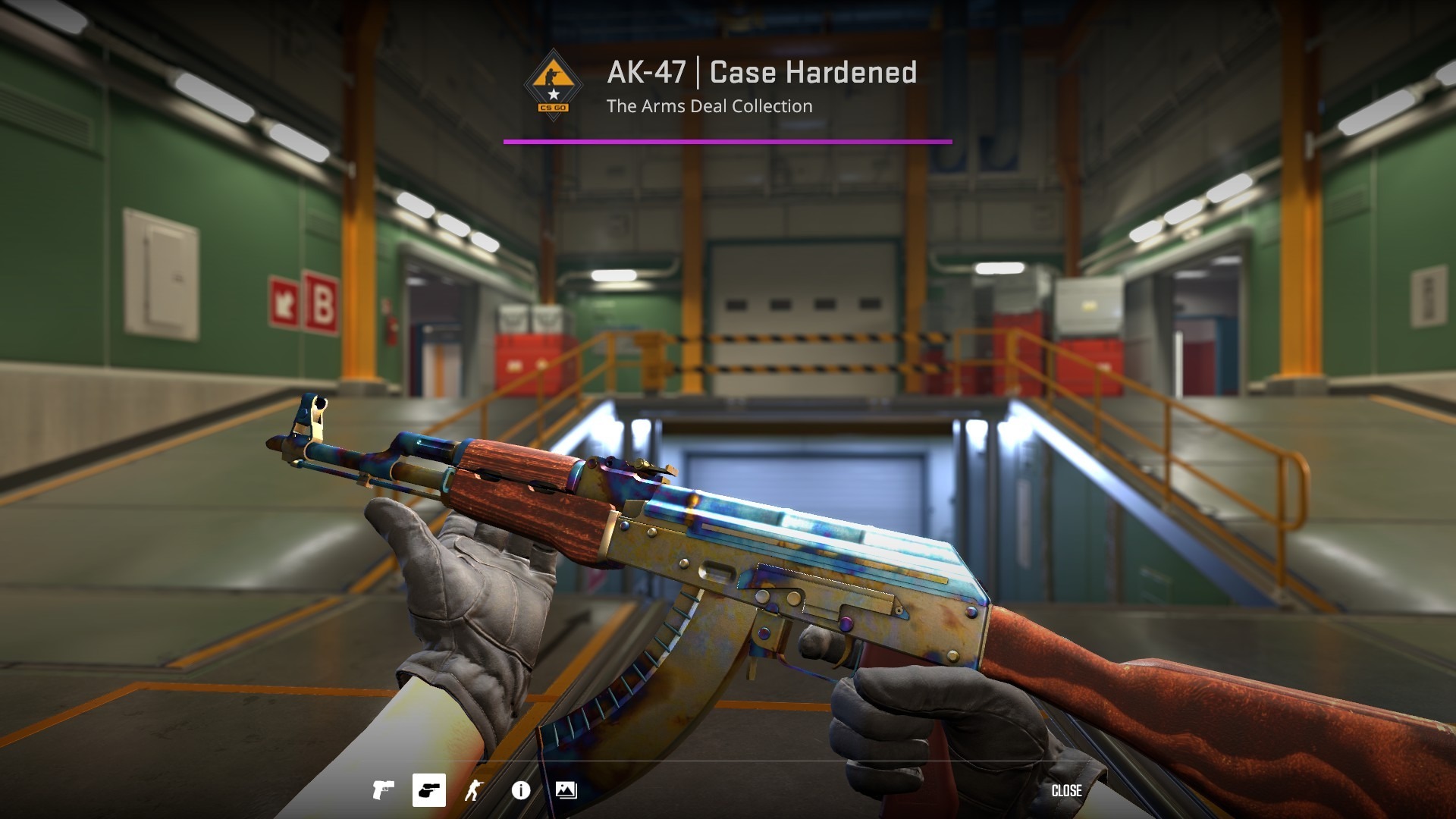
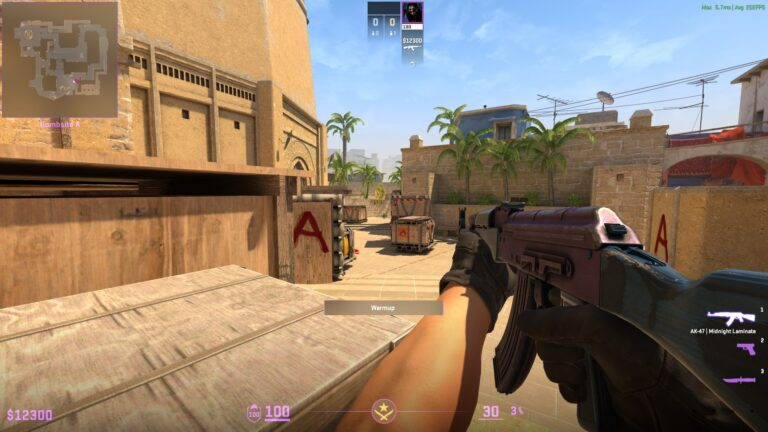
Once loaded, your CS2 viewmodel settings play a role in how the weapon is positioned on your screen. A wider field of view or shifted X, Y, and Z axis values will expose more of the weapon model's backside and stock, revealing scratches that a default camera angle might hide.
Core Mechanics of CS2 Skins You Should Know
A proper examination covers several variables that together decide an item's final price. Knowing how to inspect CS2 skins starts with the baseline metrics behind market value.
Platforms like Skinscanner, which let you compare CS2 skin pricings between platforms, help you see what a skin is really worth once you know what to look for.
Metric | Definition | Impact on Value |
|---|---|---|
A precise number between 0.00 and 1.00 that sets the wear condition. | Dictates the baseline price category (Factory New to Battle-Scarred). | |
Pattern Seed | A value from 1 to 1000 that defines how a texture applies to the weapon model. | Creates rare variants like Case Hardened blue gems or Fade percentages. |
Wear Zones | Specific areas on a weapon model that show scratches first. | Clean play sides command premium prices even in lower float brackets. |
Sticker Scrape | The percentage of wear applied to an attached sticker. | A scraped sticker can lose most or all of the value it adds to the weapon. |
When Float Ranges and Scratches Combine
Float value is the main driver of an item's base price, but it is not purely linear in how a skin looks. Our CS2 float values guide covers each wear tier in detail.
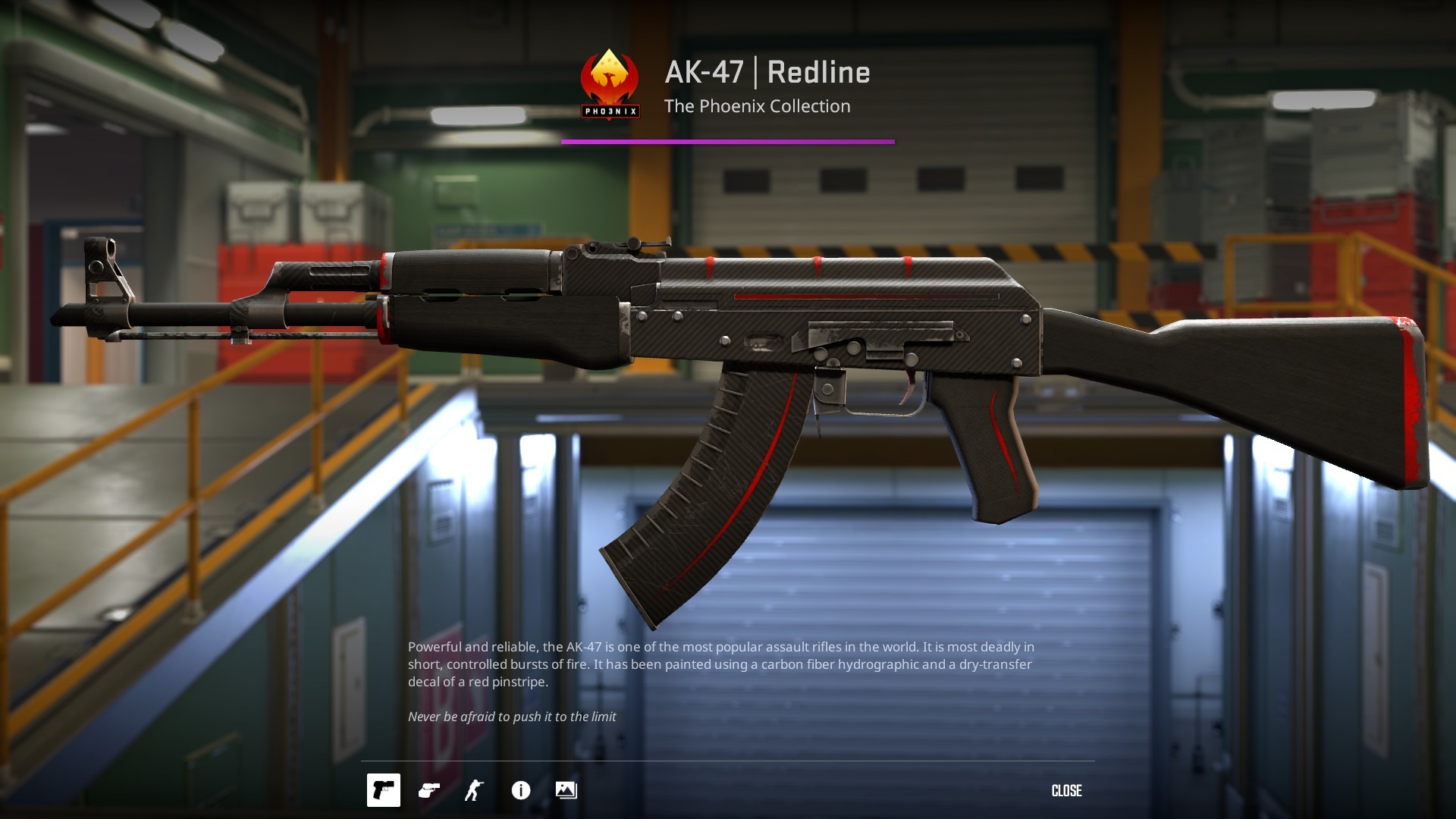
A 0.16 Field-Tested AK-47 Redline looks much cleaner than a 0.35 Field-Tested one, which leads to a clear price gap even though both carry the same condition tag.
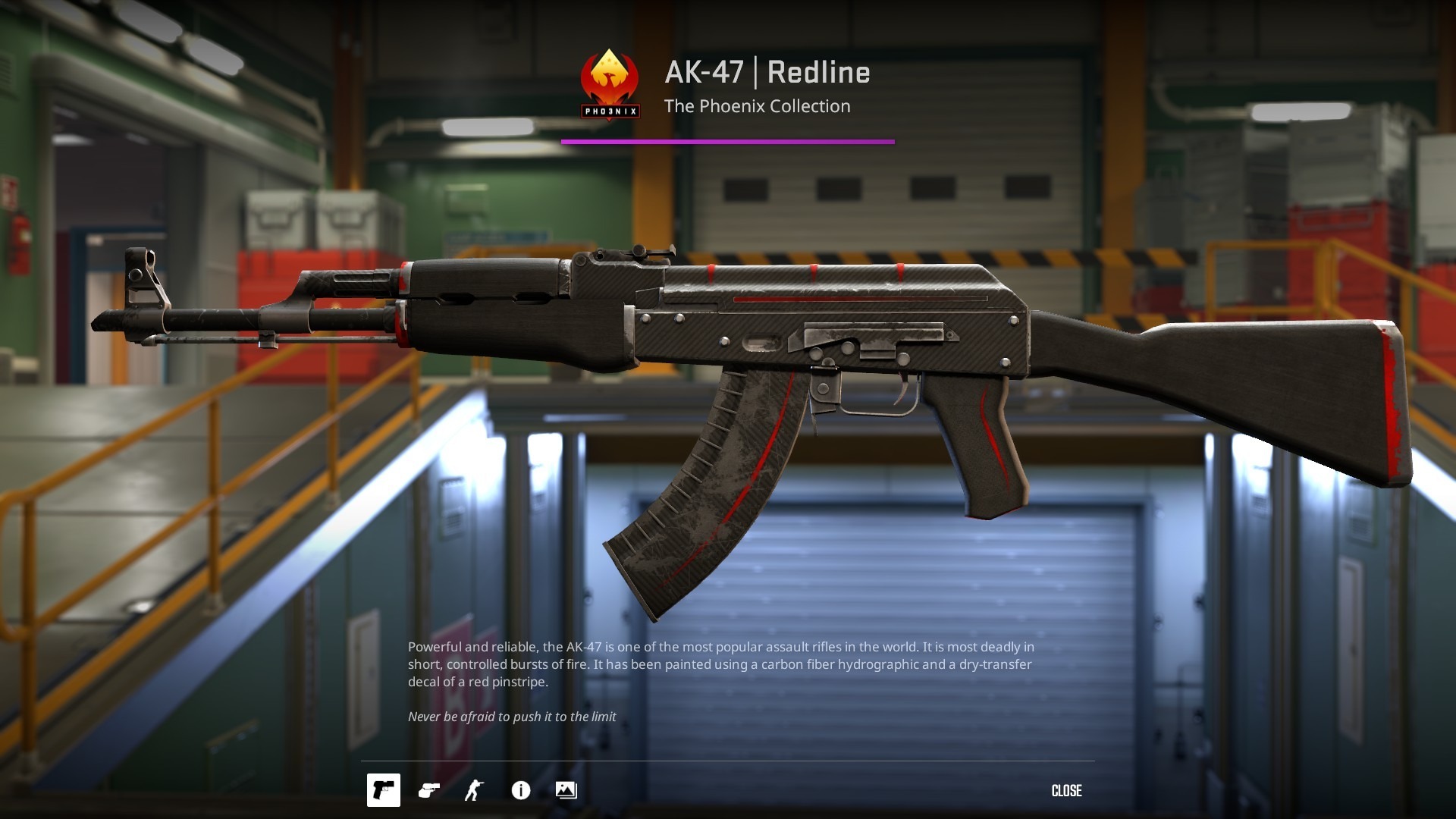
When buying and selling across the world of CS2 marketplaces, check where the scratches appear:
M4A4 magazines: the lower magazine section wears out fast, so a clean magazine on an M4A4 | Asiimov can carry a noticeable premium over the market average.
Karambit corners: the play-side corner near the handle is the first place pixels disappear. "Pixel flawless" corners on Doppler or Fade patterns can add a large premium to the knife.
Glove knuckles: wear on the knuckles of Specialist or Moto gloves is highly visible in-game, so collectors look for low float brackets that keep the text and fabric legible.
Rare Patterns Can Affect the Look and Price of a Skin
Beyond wear, the pattern seed generates the look of a specific skin. On weapons with randomized textures, the seed decides whether you hold a standard market item or a high-tier one.
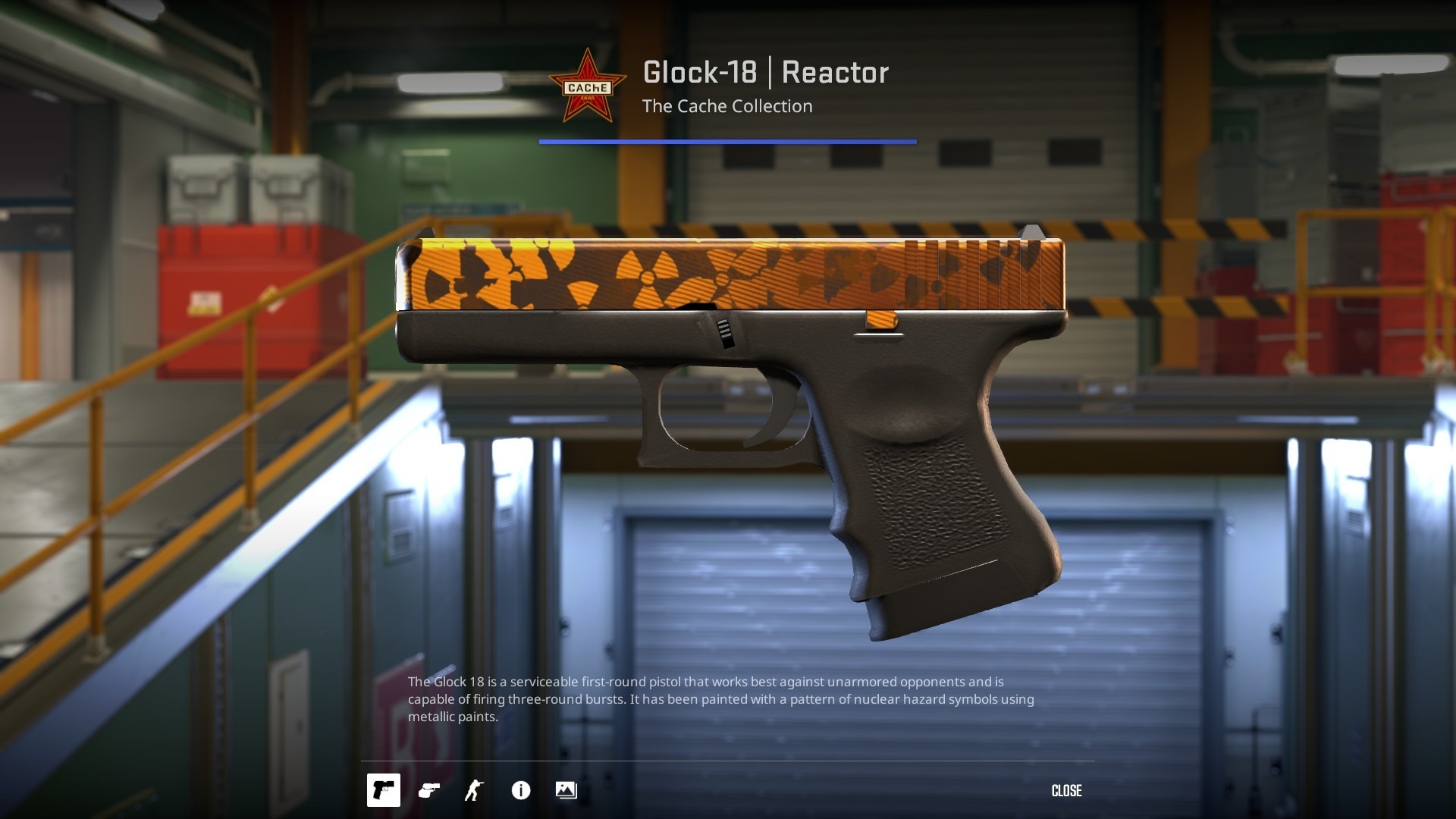
The classic Cache Collection includes the Glock-18 | Reactor, where some pattern seeds show the radiation hazard symbols more fully across the slide, which can lift the price slightly. Pattern-based pricing is strongest on Case Hardened weapons.
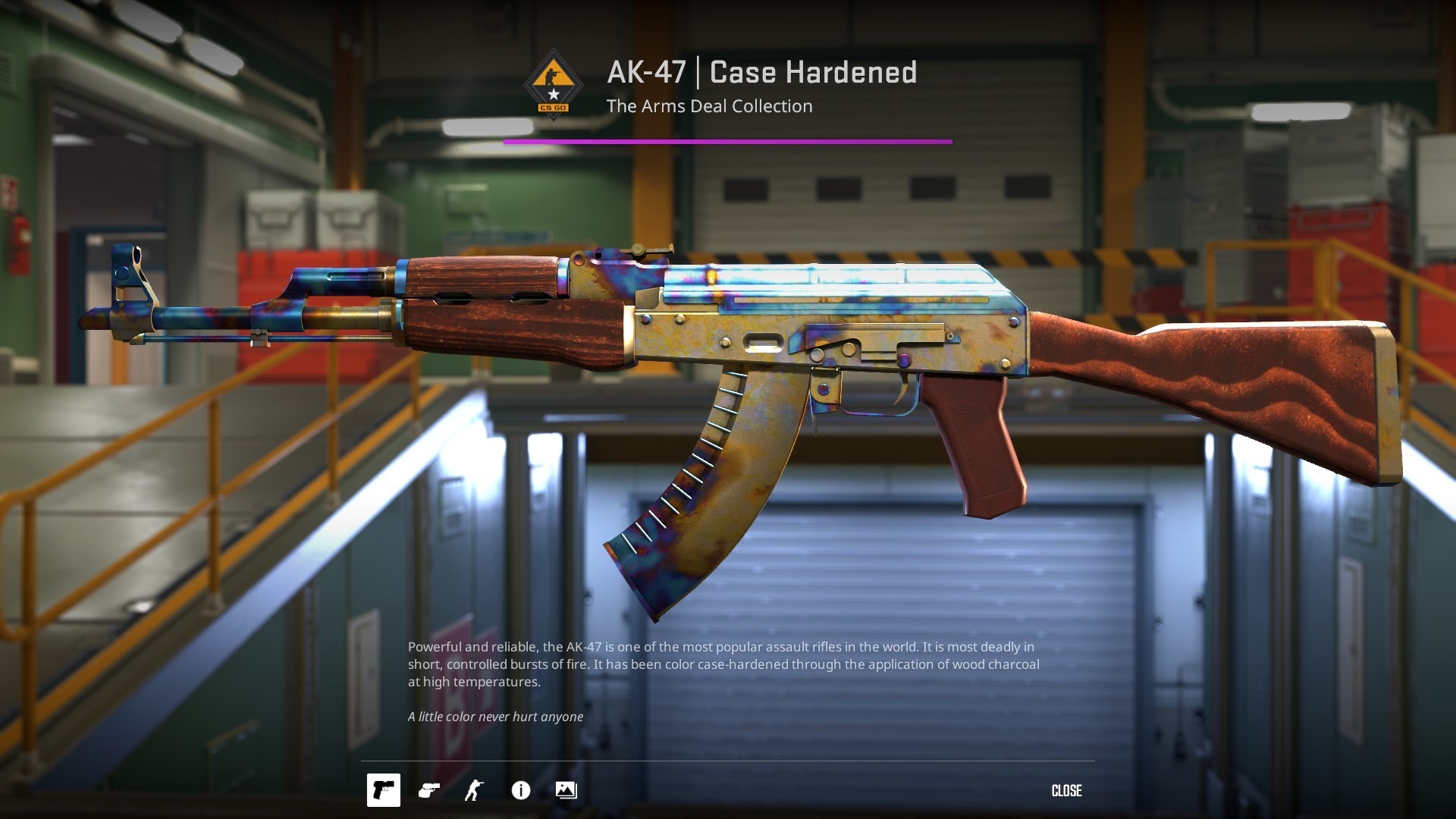
A top-tier AK-47 blue gem, such as pattern #661 with its solid blue top, has reportedly sold for around $1 million. Our guide to blue gem patterns explains how they work.
Skinscanner.gg serves as the middle ground for platform seekers evaluating these patterns. Because prices for identical seeds fluctuate wildly across different third-party sites, traders compare platform prices directly on Skinscanner.gg to identify mispriced pattern-based skins before committing funds.
Stickers Add Another Layer of Complexity During Inspection
Applied stickers do not keep 100% of their unapplied market value. Placement and condition decide how much of it carries over to the final price.
Position matters: the best positions, such as the scope on an AWP or the wood on an AK-47, carry much more value than hidden ones. A sticker in a rarely seen spot, like the far back stock of an M4A4, adds little.
Scrape percentage: hovering over an applied sticker in the inspect screen shows whether it has been scratched. Even a light scrape cuts what collectors will pay for it, and a heavily scraped sticker adds close to nothing.
Custom placement: with freeform sticker placement, check rotation angles and overlap. Some crafts line stickers up to spell words or form art, which creates premiums that only show up under direct inspection.
How Source 2 Engine Lighting and Texture Shaders Affect the CS2 Skin Inspection
The Source 2 engine renders skins with dynamic lighting, so a finish can look different depending on the light and angle. Check a skin from several directions before buying.
Doppler and Gamma Doppler phases: a Doppler's phase is set by its pattern seed, not by the light. Rotate the knife to see how much pink, purple or blue shows. Ruby, Sapphire and Black Pearl on Doppler, and Emerald on Gamma Doppler, are far rarer than Phases 1 through 4.
Fade percentages: knife blades and weapons like the AWP | Fade need a close look along the handle or the tip. Rotate the item against neutral light to judge how much of the fade shows, because a fuller fade usually costs more.
Metallic sheen: Printstream has a pearlescent sheen that shifts with the viewing angle, and Case Hardened shows different amounts of blue and gold across the model, so check each angle rather than a single screenshot.
Use a CS2 Skin Inspect Server for Big Purchases
For high-value purchases, community inspect servers let you load the skin and look at it in-game, including its draw, run, shoot and reload animations, before you trade. This helps most on expensive knives and gloves, where a static image can hide how the finish behaves in motion.
Your Pre-Purchase Inspection Checklist
Proper evaluation means checking the float bracket, verifying the pattern seed, reading sticker scrape levels and confirming the wear zones under different light. Treat inspection as a required step and you protect your money from misleading listings.
Inspect the exact listing in-game, not a stock image.
Check the float value and the pattern seed listed for that exact item.
Check the play side and the wear zones first.
Hover over each sticker to read its scrape level.
Rotate the skin and check the finish under different light.
Compare the price across marketplaces, then see where to buy CS2 skins once the skin passes.
Ready to Compare Prices Before You Buy?
Found a skin that passes inspection? Compare live CS2 skin prices across every major marketplace on Skinscanner and spot the best deal in seconds.
Want to earn skins while you hunt for deals? Join the Skinscanner Discord and earn SSG Points through daily tasks and weekly tournaments, redeemable for skins straight from the community database.